
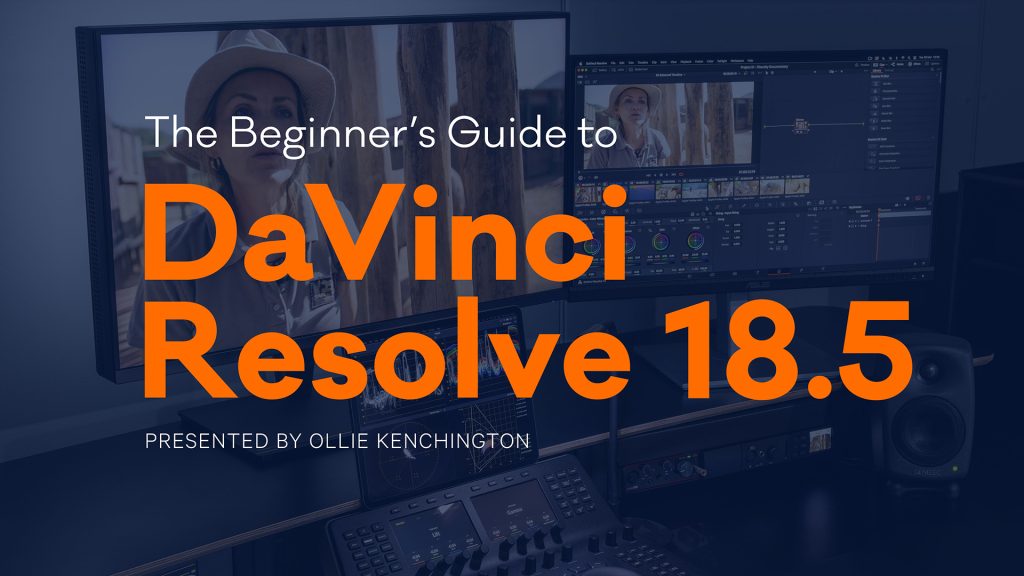
Da Vinci Resolve has become a favorite among aspiring filmmakers, editors, and colorists for good reason. With its powerful suite of editing tools, color grading capabilities, audio mixing, and visual effects all in one software, it’s the ultimate solution for both amateurs and professionals. The Complete Da Vinci Resolve Course: Beginner to Filmmaker is designed to bridge the gap between novice and expert, guiding users on a comprehensive journey through the software and its real-world application.
Why Da Vinci Resolve?
Da Vinci Resolve stands out in the crowded field of video editing software. It combines the power of professional-grade editing, industry-standard color correction, Fusion visual effects, and Fairlight audio tools into a single application. Unlike many paid platforms, the basic version of Resolve is free, making it accessible to anyone with a creative vision.
Whether you’re editing your first YouTube video or working on a short film, Resolve scales to your needs. The software supports a wide variety of file formats, resolutions, and project types, which makes it suitable for content creators at every level.
Course Structure: Step-by-Step Learning
The Complete Da Vinci Resolve Course is structured to take learners from the absolute basics to advanced filmmaking techniques. Here’s what to expect:
Getting Started with the Interface
Beginners are introduced to the Resolve layout, understand the workspace, and learn how to navigate the Media, Cut, Edit, Fusion, Color, Fairlight, and Deliver pages. The course ensures students don’t feel overwhelmed by the software’s depth.
Basic Editing and Timeline Control
Students learn how to import footage, manage timelines, and perform simple cuts, trims, and transitions. This module also teaches how to add music, sync audio, and apply basic effects.
Color Grading and Correction
Color is a core strength of Resolve. The course teaches how to correct footage using scopes and LUTs, apply stylistic grades, and create a cinematic look. It also teaches techniques like matching shots and secondary color corrections.
Visual Effects with Fusion
Fusion introduces node-based compositing for visual effects. Learners explore green screen keying, motion graphics, title animations, and tracking—all essential tools for more polished videos.
Audio Editing in Fairlight
Clear, high-quality audio is just as important as visuals. This module covers noise reduction, sound mixing, dialogue enhancement, and basic sound design using Fairlight’s professional tools.
Final Output and Export Settings
The last section focuses on exporting the final project in various formats for platforms like YouTube, Vimeo, or cinema screenings. It teaches best practices for codecs, resolution, and delivery standards.
Real Projects, Real Skills
What makes this course stand out is its project-based approach. Rather than learning features in isolation, students work on real video projects—trailers, short films, interviews, and music videos—applying their skills in practical scenarios. This hands-on learning helps solidify techniques and fosters creativity.
The course also provides templates, media files, and project files, allowing students to follow along strictly and then try variations on their own. Regular assignments and quizzes reinforce understanding and build confidence.
Conclusion
The Complete Da Vinci Resolve Course: Beginner to Filmmaker offers a structured, hands-on pathway to mastering one of the industry’s leading video editing platforms. With step-by-step guidance, practical projects, and comprehensive coverage of each feature, it’s ideal for anyone serious about telling stories through video. Whether you’re dreaming of Hollywood or just starting a YouTube channel, this course is your gateway to becoming a confident filmmaker.