

Eassiy Data Recovery 5 for Mac is a powerful and user-friendly software designed to help Mac users recover lost, deleted, or formatted data effortlessly. Whether it’s important documents, photos, videos, or other files, this tool supports various data recovery scenarios, including accidental deletion, system crashes, or storage device corruption. Its intuitive interface makes it accessible for both beginners and experienced users, ensuring a smooth recovery process without technical hassles.
Compatible with different Mac storage devices such as hard drives, SSDs, USB drives, and memory cards, Eassiy Data Recovery 5 offers fast scanning speeds and high recovery success rates. It also provides preview options before recovery, allowing users to select the exact files they want to restore, making it a reliable solution for protecting valuable data on Mac systems.
Why Choose Eassiy Data Recovery 5 for Mac
User-Friendly Interface and Powerful Scanning
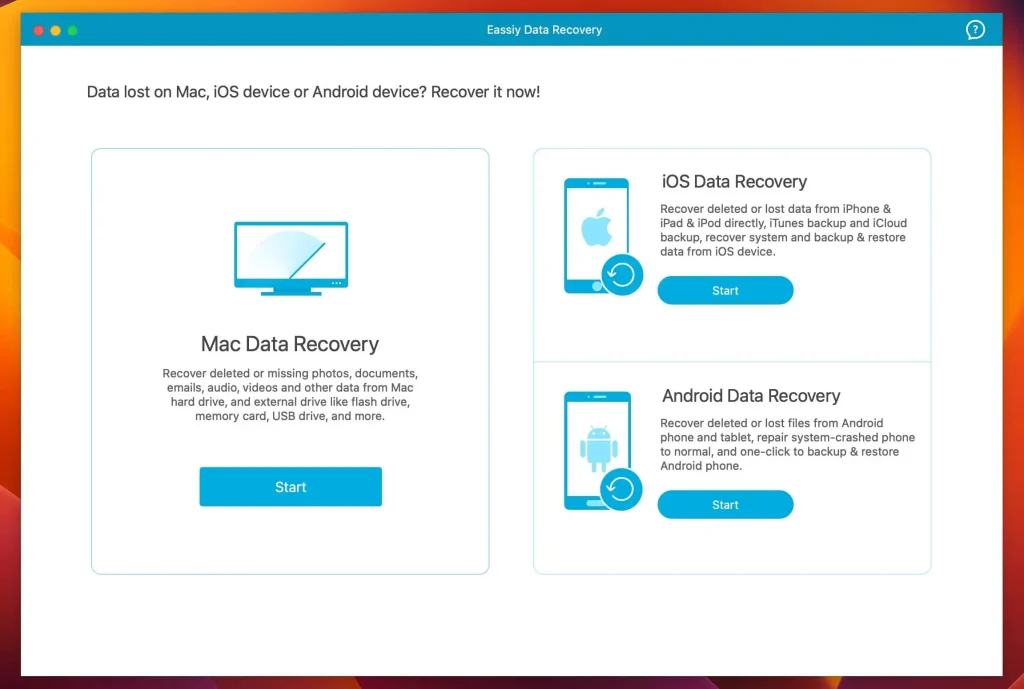
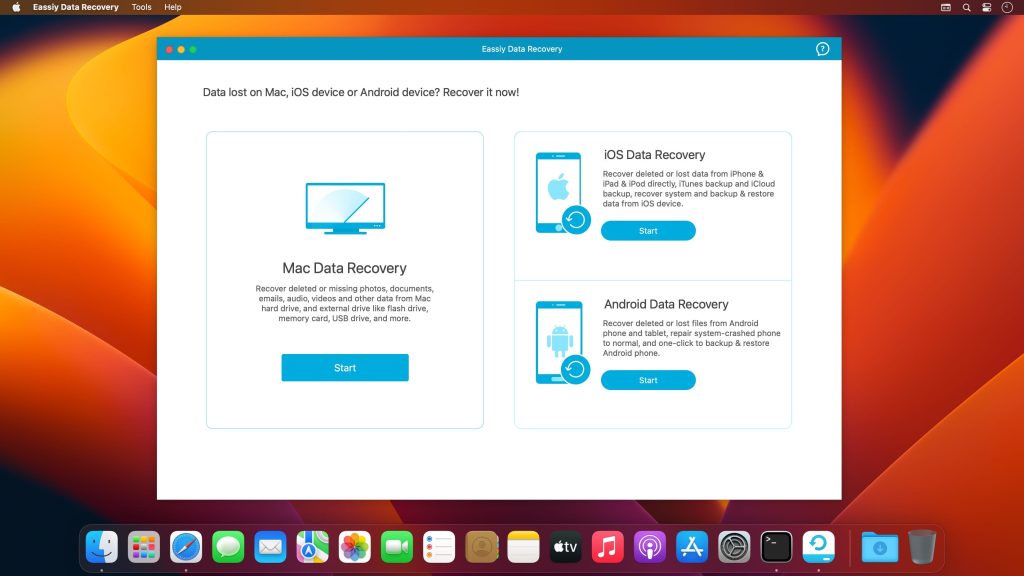
One of the standout features of Eassiy Data Recovery 5 is its intuitive interface, which makes it accessible even for users who are not tech-savvy. Upon launching the software, you are greeted with a simple layout that guides you through the recovery process step-by-step. You can quickly select the drive or partition where data was lost, and the software will begin scanning for recoverable files.
The scanning process itself is both fast and thorough. Eassiy Data Recovery 5 offers two types of scans: a Quick Scan for recently deleted files and a Deep Scan that digs deeper into your drive to recover files lost due to formatting or corruption. This flexibility ensures that you can tailor the recovery effort to your specific needs, improving the chances of a successful file retrieval.
Wide Range of File Format Support
Eassiy Data Recovery 5 supports recovery of numerous file formats commonly used on Macs. This includes:
- Documents (Word, Excel, PDF, etc.)
- Images (JPEG, PNG, GIF, TIFF, RAW, etc.)
- Videos (MP4, MOV, AVI, etc.)
- Audio files (MP3, WAV, etc.)
- Emails and archives
This extensive compatibility means you won’t have to worry about whether your specific file type can be recovered. The software also works with various storage devices including internal Mac hard drives, external drives, USB flash drives, SD cards, and more.
How to Recover Data Using Eassiy Data Recovery 5 on Mac
Step-by-Step Recovery Process
- Download and Install – First, download Eassiy Data Recovery 5 from the official website and install it on your Mac. Avoid installing it on the same drive where data was lost to prevent overwriting.
- Select the Drive – Open the software and choose the location (hard drive or external storage) from which you want to recover files.
- Choose Scan Mode – Opt for Quick Scan for recently deleted files or Deep Scan for more comprehensive recovery.
- Preview and Select Files – Once the scan is complete, preview the recoverable files organized by file type or folder. Select the files you want to restore.
- Recover and Save – Click on the “Recover” button and save your recovered files to a different location to ensure no data is overwritten.
Eassiy Data Recovery 5 makes this entire process straightforward, minimizing the risk of permanent data loss.
Conclusion
Eassiy Data Recovery 5 for Mac offers an excellent balance between simplicity and power, making it a top choice for anyone facing data loss on their Mac. Its wide file format support, easy-to-use interface, and effective scanning options help users quickly regain access to their important files. Whether you’re recovering deleted photos, documents, or videos, this software provides peace of mind with reliable recovery results. If you’re looking for a hassle-free and efficient data recovery solution, Eassiy Data Recovery 5 is certainly worth trying.