

Apeaksoft iPhone Transfer 2.0.70 is a powerful and user-friendly software designed to simplify the management and transfer of data between iPhones and computers. Whether you want to back up photos, music, videos, contacts, or messages, this tool provides a seamless experience with fast transfer speeds and excellent compatibility across various iOS devices. Its intuitive interface makes it accessible even for users without technical expertise.
With version 2.0.70, Apeaksoft has enhanced stability and added new features to improve data security and transfer efficiency. It supports a wide range of file types and offers flexible options to export or import data, making it an essential utility for iPhone users looking to keep their data safe and organized.
Key Features of Apeaksoft iPhone Transfer 2.0.70
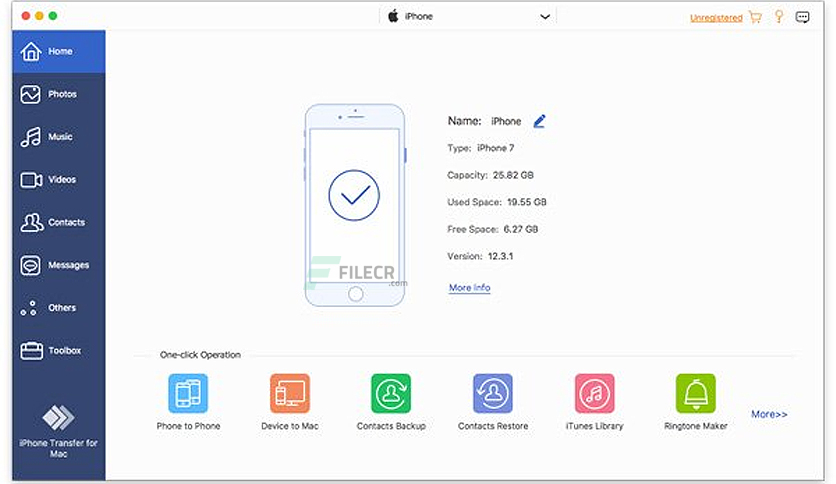
- Wide File Type Support: The software supports transferring a wide range of iOS data types, including music, photos, videos, contacts, and messages.
- Two-Way Transfer: Users can transfer files from iPhone to PC/Mac and vice versa. This flexibility makes managing backups and content updates effortless.
- Backup and Restore: Easily back up important iPhone data to your computer and restore it anytime without needing iCloud or iTunes.
- Fast and Stable Performance: The latest version has optimized transfer speed, ensuring data moves quickly and safely.
- No Data Loss: Maintains original quality and metadata of files during the transfer.
- Device Compatibility: Works smoothly with the newest iPhone models and iOS versions, including iOS 16 and later.
How to Use Apeaksoft iPhone Transfer 2.0.70
Using Apeaksoft iPhone Transfer is straightforward, making it accessible for users with any level of technical knowledge. Here is a brief guide:
- Download and Install: Get the software from the official Apeaksoft website and install it on your Windows or Mac computer.
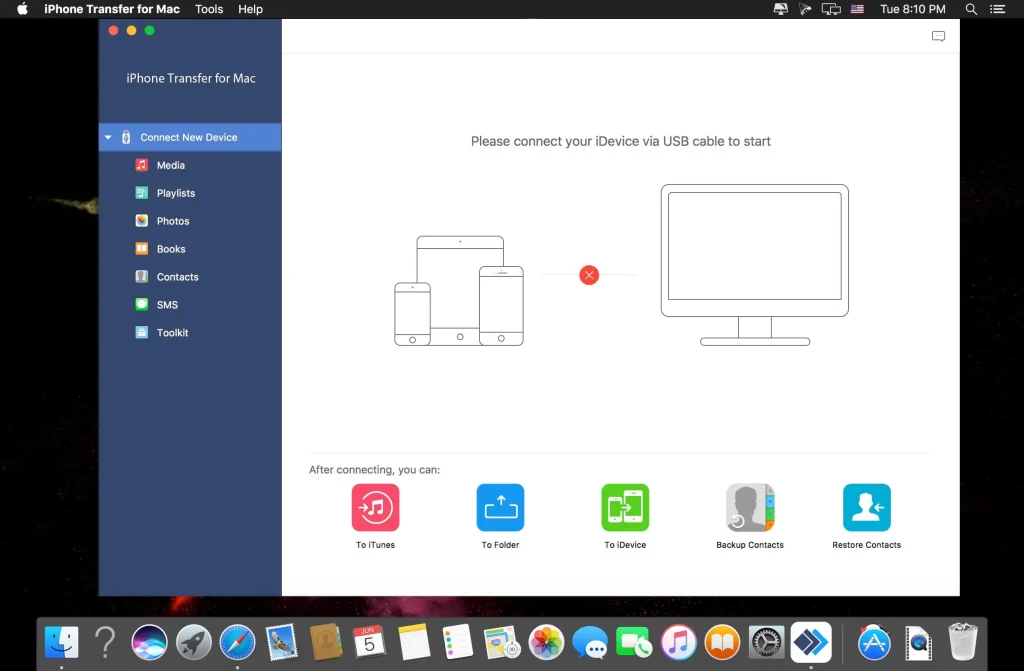
- Connect Your iPhone: Connect your iPhone to the computer using a USB cable. The software will automatically detect your device.
- Select Data Type: Choose the type of data you want to transfer, such as photos, music, or contacts.
- Start Transfer: Select specific files or folders, then click the transfer button to start moving data between devices.
- Backup and Manage: You can also create backups of your iPhone data on your computer for safekeeping.
This intuitive workflow eliminates many common frustrations associated with iPhone data management, such as syncing errors or incomplete transfers.
Conclusion
Apeaksoft iPhone Transfer 2.0.70 is a reliable and efficient tool for anyone looking to simplify iPhone data transfer and backup. With its user-friendly interface, broad compatibility, and robust features, it stands out as a practical alternative to iTunes. Whether you want to back up your photos, transfer music, or manage contacts, this software offers a smooth and secure solution to keep your data organized and accessible.
In a world where managing digital content is essential, Apeaksoft iPhone Transfer ensures you stay in control with ease and confidence. If you frequently switch devices or want a hassle-free way to handle your iPhone files, this software deserves a try.